Apps / Sticker Lab

Fun stickers for iMessage and WhatsApp.
Sticker Lab is a growing collection of stickers. Unlock them with simple daily activities, then send them in your chats.
What it does
Utilities- Sticker collection
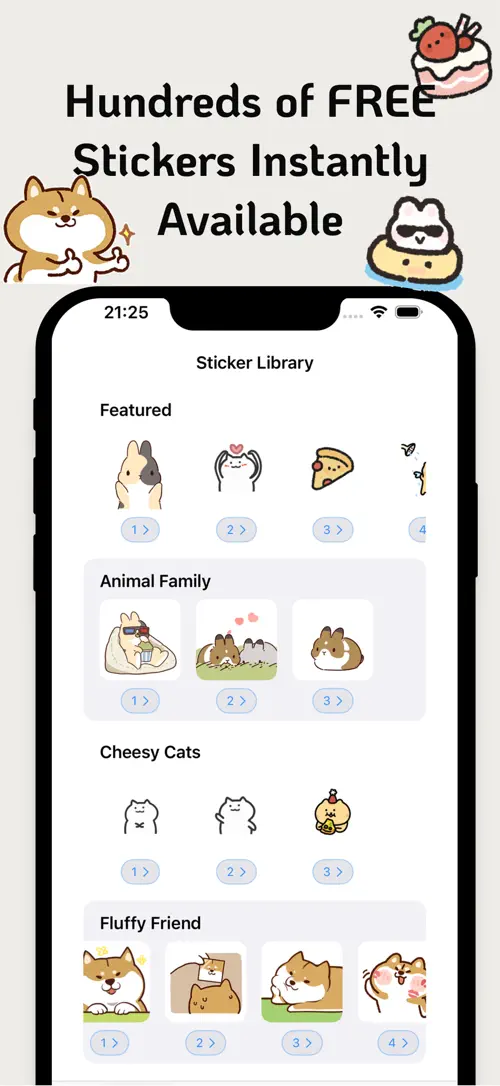
Unlock stickers free by completing simple daily activities. New sticker packs are added regularly, in diverse categories.
- WhatsApp export
Free stickers can be downloaded and shared on WhatsApp. Go Premium unlocks unlimited exports and downloads for all stickers.
- Stickers for every feeling
Find a sticker for any feeling in categories such as Happy, Love, Motivation, Relaxation and Friendship.
- Favorites and ordering
Star your favorites, adjust the number of columns, and hide, prioritize or reorder sticker sets.
- Search and display
Quick search helps you find a sticker. The display is optimized for all iPhone and iPad devices, and the app works with iMessage.
- Setup in iMessage
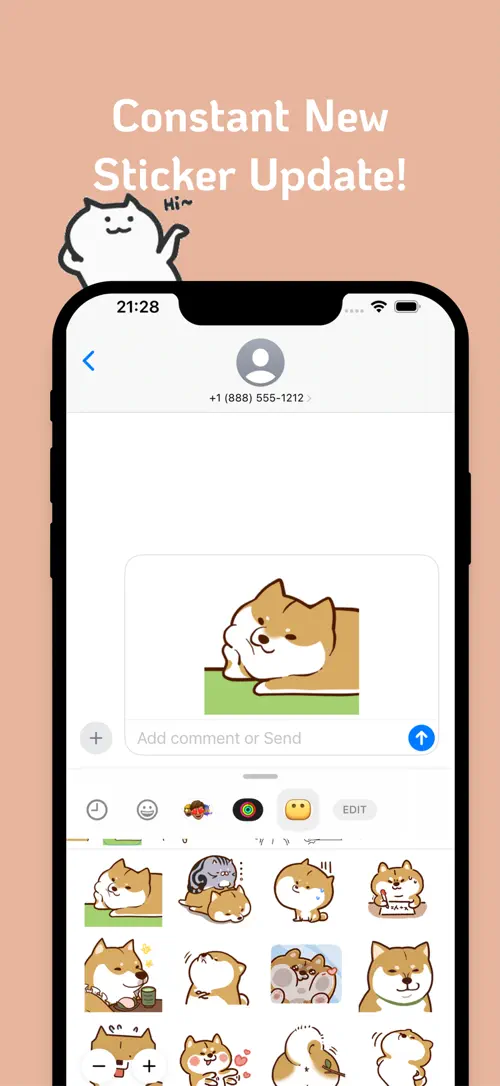
Open the app and set your preferences, start your first activity to unlock stickers, then choose Sticker Lab from the Stickers menu in iMessage.
Questions
Answers- Is Sticker Lab free?
- You can unlock all stickers free through daily activities. Go Premium unlocks unlimited exports and downloads for all stickers. Prices are shown in the app.
- How do I unlock stickers in Sticker Lab?
- Complete simple daily activities. Start your first activity after you open the app and set your preferences.
- Can I use Sticker Lab stickers on WhatsApp?
- Yes. Free stickers can be downloaded and shared on WhatsApp. Go Premium unlocks unlimited exports and downloads for all stickers.
- How do I use Sticker Lab in iMessage?
- Open iMessage, tap the + button, select Stickers from the menu, then choose Sticker Lab.
- Does Sticker Lab work on iPad?
- The display is optimized for all iPhone and iPad devices.
- Can I find and organize my stickers?
- Yes. Use quick search, star your favorites, adjust the columns, and hide, prioritize or reorder sticker sets.
Plain-text version of this page: /sticker-lab.md