Apps / Tidy Lab

Remove or add watermarks on your phone.
Tidy Lab is a toolkit for the photo jobs you do most, and it does all of them on your phone.
Download on theApp Store
Free to download, for iPhone. Some features need Pro; prices are shown in the app.
What it does
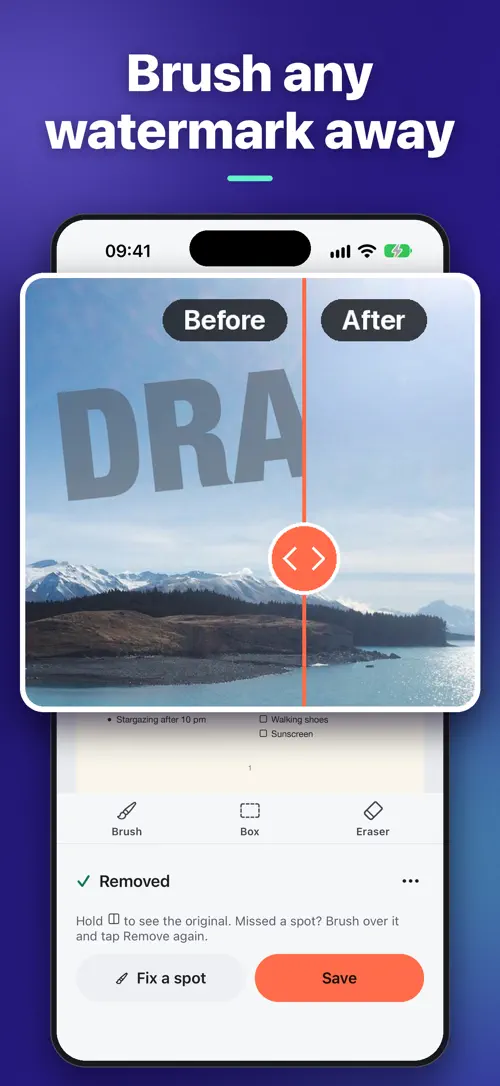
Photo & Video- Remove Watermark
Brush over the mark, tap save. The fill runs on-device at full resolution and your original photo stays untouched.
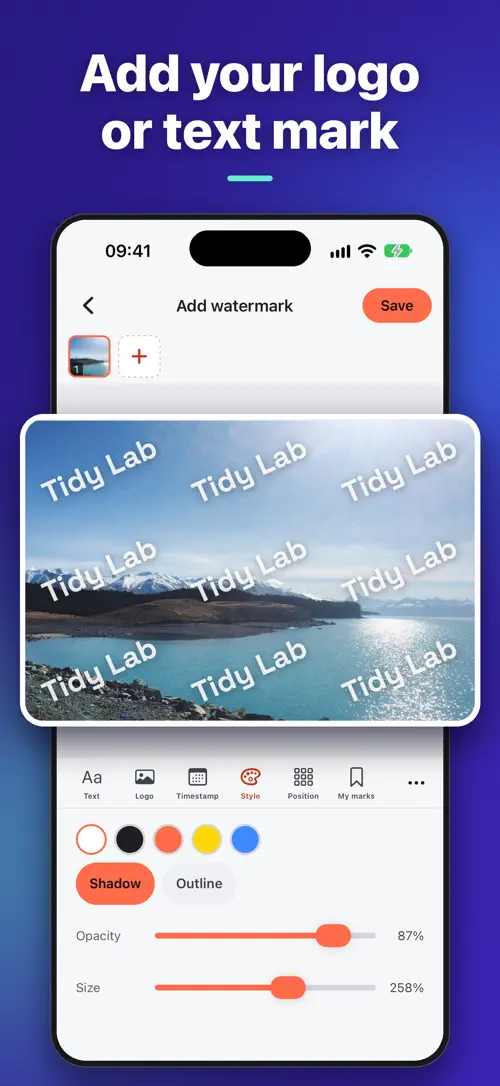
- Watermark Photos
Add your name or logo as a mark. Pick one of nine positions or tile it across the image, and set the opacity.
- Watermark Video
Put your logo or @handle on every frame, as one mark or tiled across the picture. The original video stays as it was.
- Blur & Pixelate
Hide faces, names and numbers in a photo, or cover any area by hand.
- Long Screenshots and Collages
Join up to 24 screenshots into one long image, side by side, or as a poster. Put two to nine photos in a grid collage.
- Edit Photo
Crop, rotate, flip or add a filter to any photo.
Questions
Answers- Is Tidy Lab free?
- Every tool is free at full quality, except Video blur and Save as PDF. Pro is available yearly or once for life. Prices are shown in the app.
- Does Tidy Lab show ads?
- A free save costs one short ad, and your first save has none.
- Are my photos and videos uploaded?
- Your photos and videos are never uploaded. Photos and videos never leave your device.
- Do I need an account to use Tidy Lab?
- There are no accounts and no cloud processing.
- What are the limits of the free version?
- Free watermarks one photo at a time, saves videos up to 60 seconds and keeps one saved mark.
- What does Pro add?
- Pro, yearly or once for life, has no ads, watermarks up to 30 photos at once, saves videos of any length, keeps up to 20 marks, adds Video blur and Save as PDF, and includes every tool we add later.
Plain-text version of this page: /tidy-lab.md